Introducing OneNotch: your whole workday, in the notch
Linear, Slack, your meetings, focus time and GitHub, one hover away. Why we built OneNotch, what it does today, and what comes next.
Most of a workday is spent switching. You check Linear to see what's next, Slack to see who's waiting, the calendar to see when the next call starts, and GitHub to see whether CI went green. Each check is small. Together they break the one thing that matters: the work in front of you.
OneNotch puts all of it in the one place on your Mac you never use: the notch. Hover it, or press ⌃⌥N from anywhere, and a panel opens with what needs you. Act, close it, and you're back where you were.
What's in the notch
OneNotch is a Home screen that sums up your day, plus five screens, each built around the tool you already use.
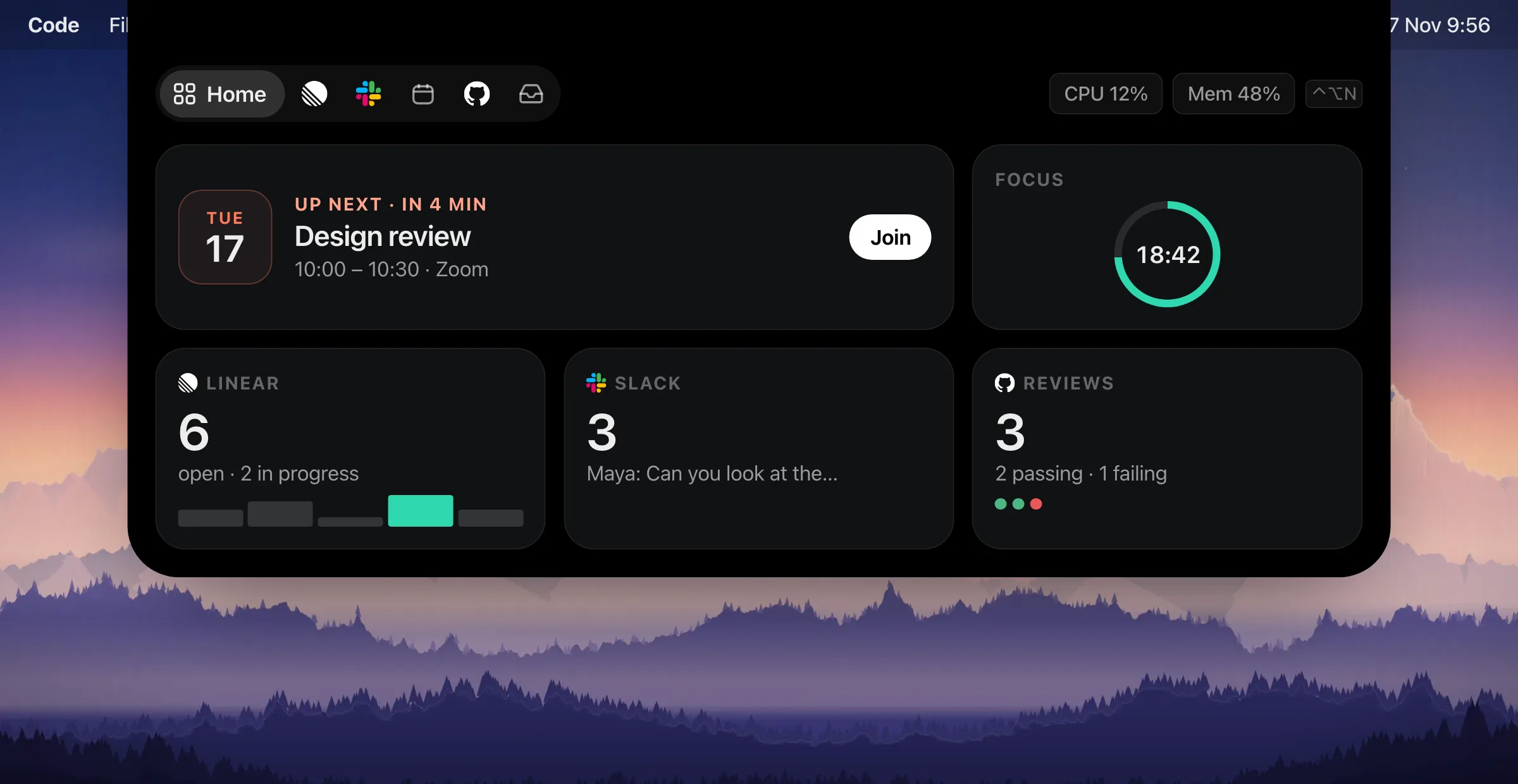
- Home. Your next meeting with Join and who's coming, the focus timer, and what's waiting for you in Linear, Slack and GitHub. Click anything to open it.
- Linear. Your assigned issues grouped by status. Change status, priority, assignee, labels, estimate, cycle, project and due date in place. Open an issue to read its description, sub-issues, linked pull requests and comments. Search, your Linear inbox, and a quick way to create a new issue.
- Slack. DMs and mentions with unread counts, conversations and threads, reactions and replies. When a new message arrives it drops out of the notch for a moment, so you can answer without opening Slack.
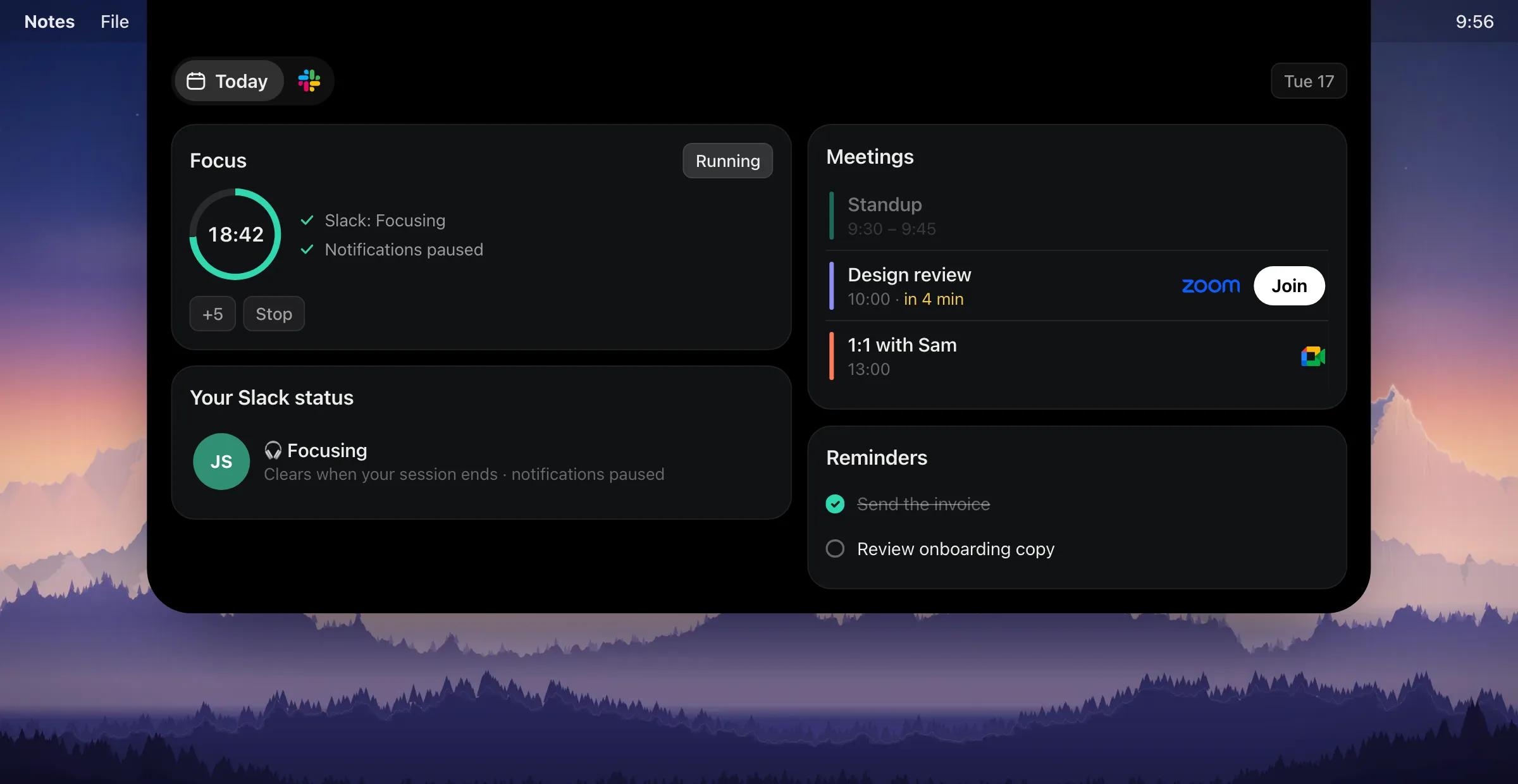
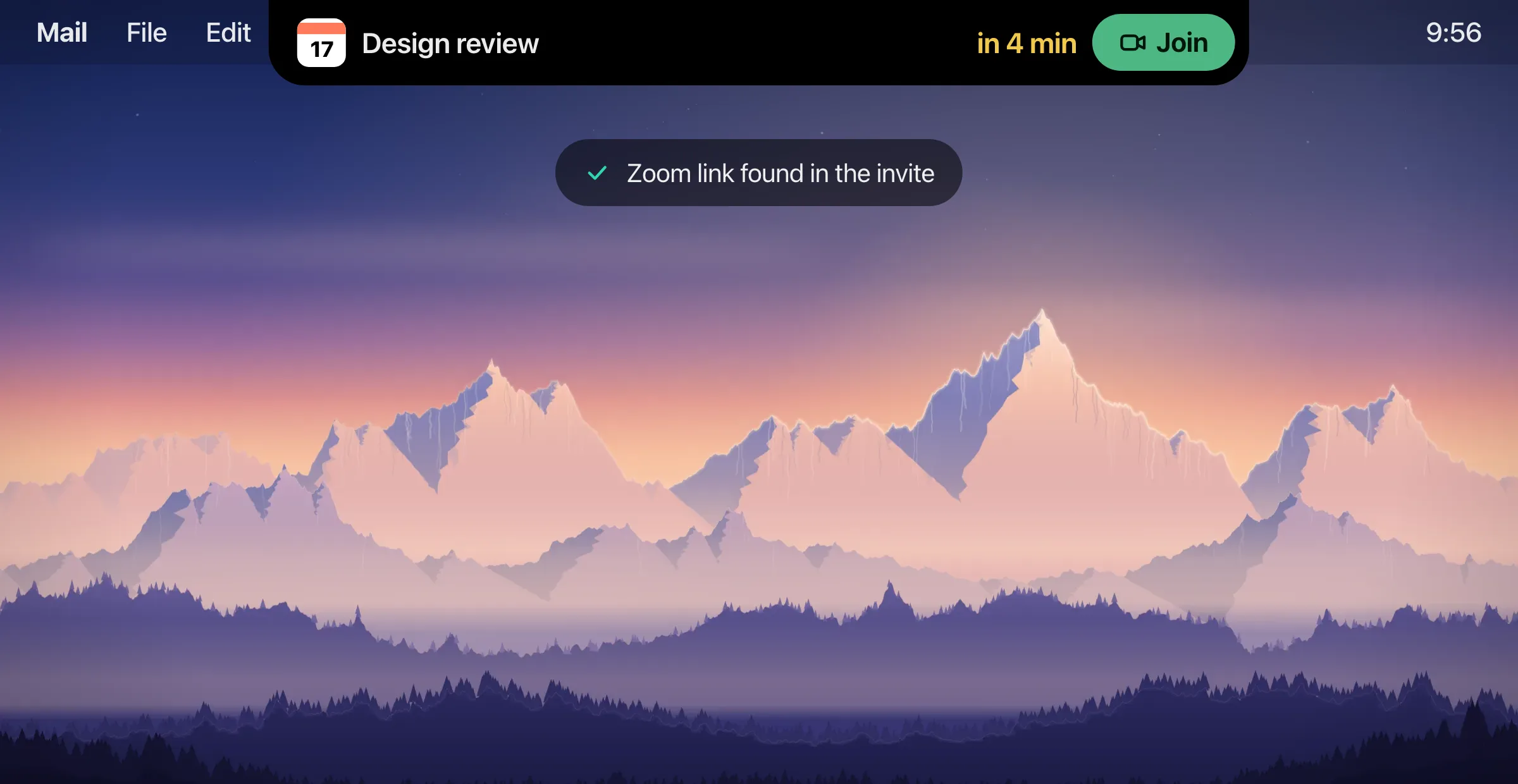
- Today. Your meetings from every calendar on the Mac, with one-click Join for about 25 video services. A focus timer that can set your Slack status and pause notifications. Reminders due today. Battery, CPU and memory at a glance.
- GitHub. Pull requests waiting for your review and your own pull requests with their check status. Approving takes a second, confirming click.
- Shelf. A clipboard history that never records passwords, and a tray you fill by dragging files onto the notch, with drag-out and AirDrop.
The closed notch works too. It can show your Slack unread count, your open issues, a countdown to the next meeting or a running focus timer, so a glance is often enough.
Built like a Mac app should be
OneNotch is written in Swift and SwiftUI. On macOS 26 the panel uses Liquid Glass; on earlier versions it uses frosted glass. If you prefer, choose Liquid Glass, Frosted or Solid black in Settings and set how dark the glass is.
Every animation runs through one motion system with real springs, and every one of them calms down when you turn on Reduce Motion. The notch opens with a soft spring, closes a little faster, and a new message drops out with a touch more bounce. We wrote more about that in Designing for the notch.
Private by design
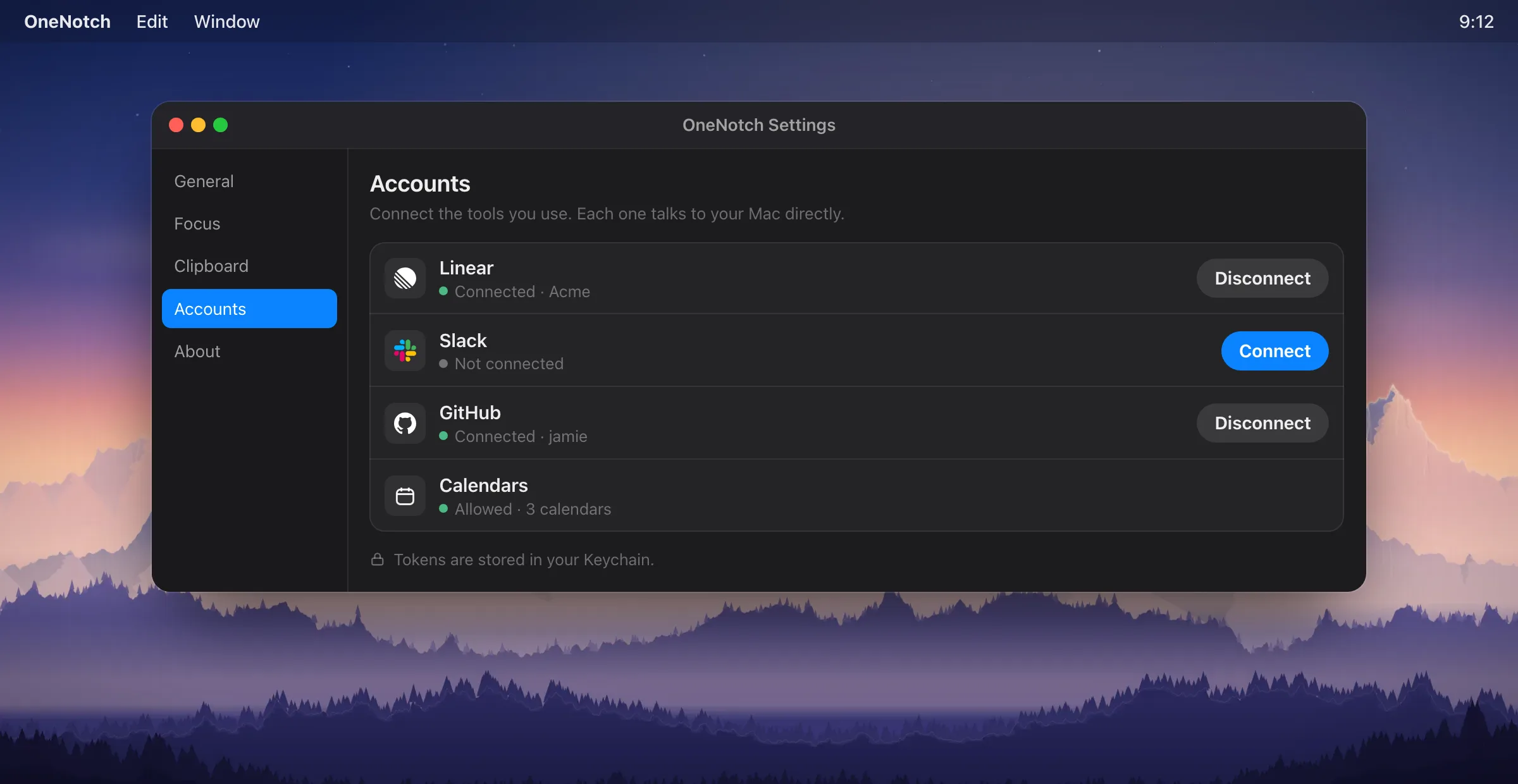
There is no OneNotch server between you and your work. Linear, Slack, GitHub and your calendars talk directly to your Mac, and every token lives in the macOS Keychain. Our only server is a small licensing API that checks your plan. It never sees an issue, a message or a meeting. The details are in Why OneNotch never sees your work.
Pricing
Two plans, both with every feature:
- Monthly: $4.99 a month. Cancel any time.
- Lifetime: $19 once, with updates for this major version.
Both work on up to 3 Macs and keep working offline: 14 days at a time on Lifetime, 7 on Monthly. You buy inside the app, on Dodo Payments' secure checkout page, so OneNotch never sees your card.
Where we are
OneNotch runs every day on our own Macs. Before anyone else can download it, it needs to be signed with an Apple Developer ID and notarized, so macOS opens it without warnings. Downloads open as soon as that's done.
After that, the next things on our list are a notch preview when CI fails, signing in to GitHub without the GitHub CLI, a short morning briefing of what's due and who's waiting, and one search box across Linear, Slack and your calendar.
If you have a question or want to be told when it's ready, write to us. We read everything.