Designing for the notch: springs, glass and Reduce Motion
The notch is the most visible pixel on a Mac. How we made OneNotch feel native there, from the springs that open it to the glass it's made of.
On this page
The notch sits in the middle of your screen, at the top, all day. Anything that lives there is seen hundreds of times before lunch. If it moves wrong, flickers, or looks like a web page glued to the hardware, you feel it every time. So we set ourselves one rule: OneNotch should look and move like part of the Mac.
Black that melts into the hardware
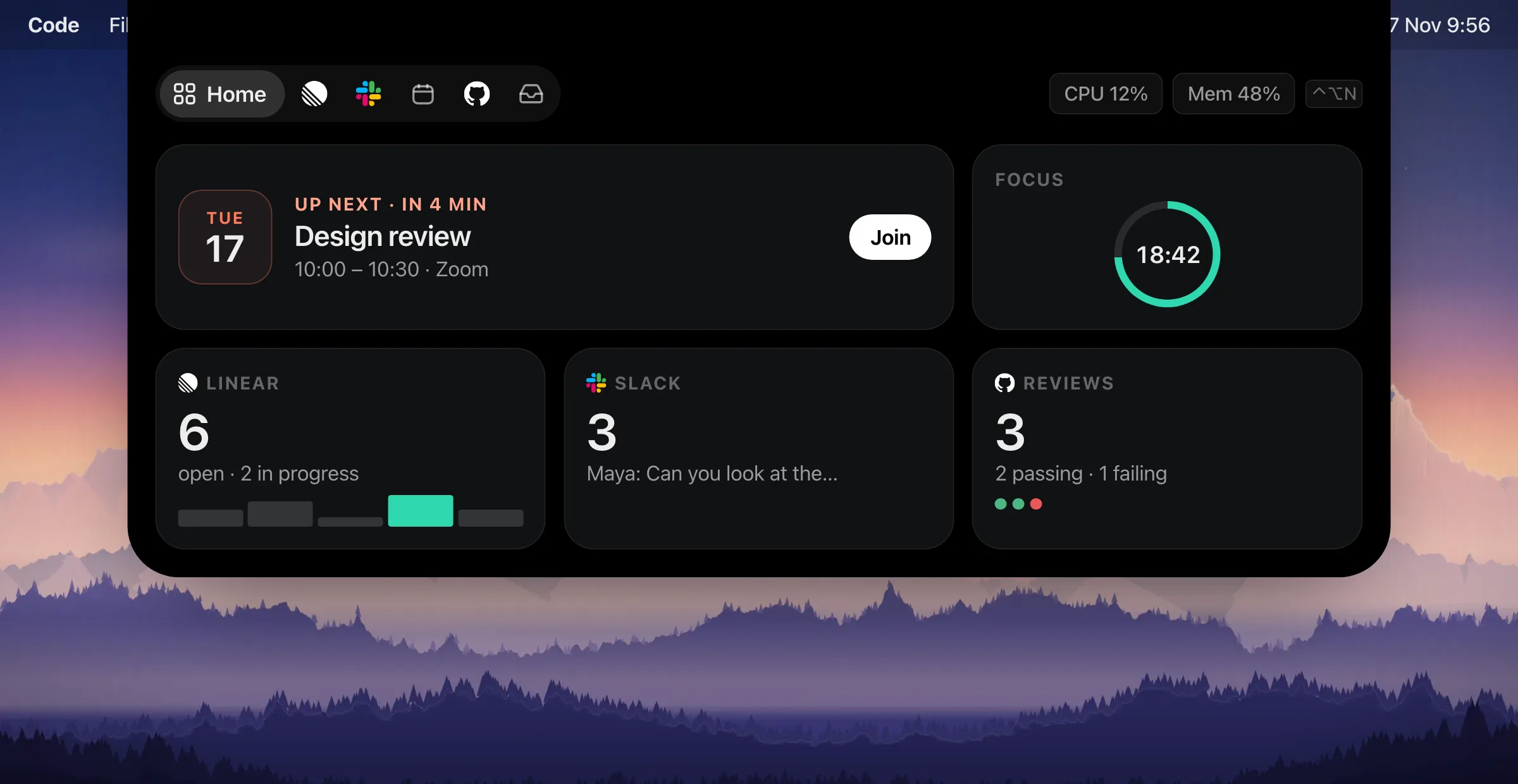
The closed and open panel start from pure black, so the panel and the physical notch read as one shape. Text sits at three levels of white, 92, 58 and 36 percent, and surfaces use a 6 percent white fill with an 8 percent hairline. That's it: no gradients, no coloured backgrounds. Colour is saved for things that mean something, such as a failing check or a meeting that starts in four minutes.
Glass when your Mac has it
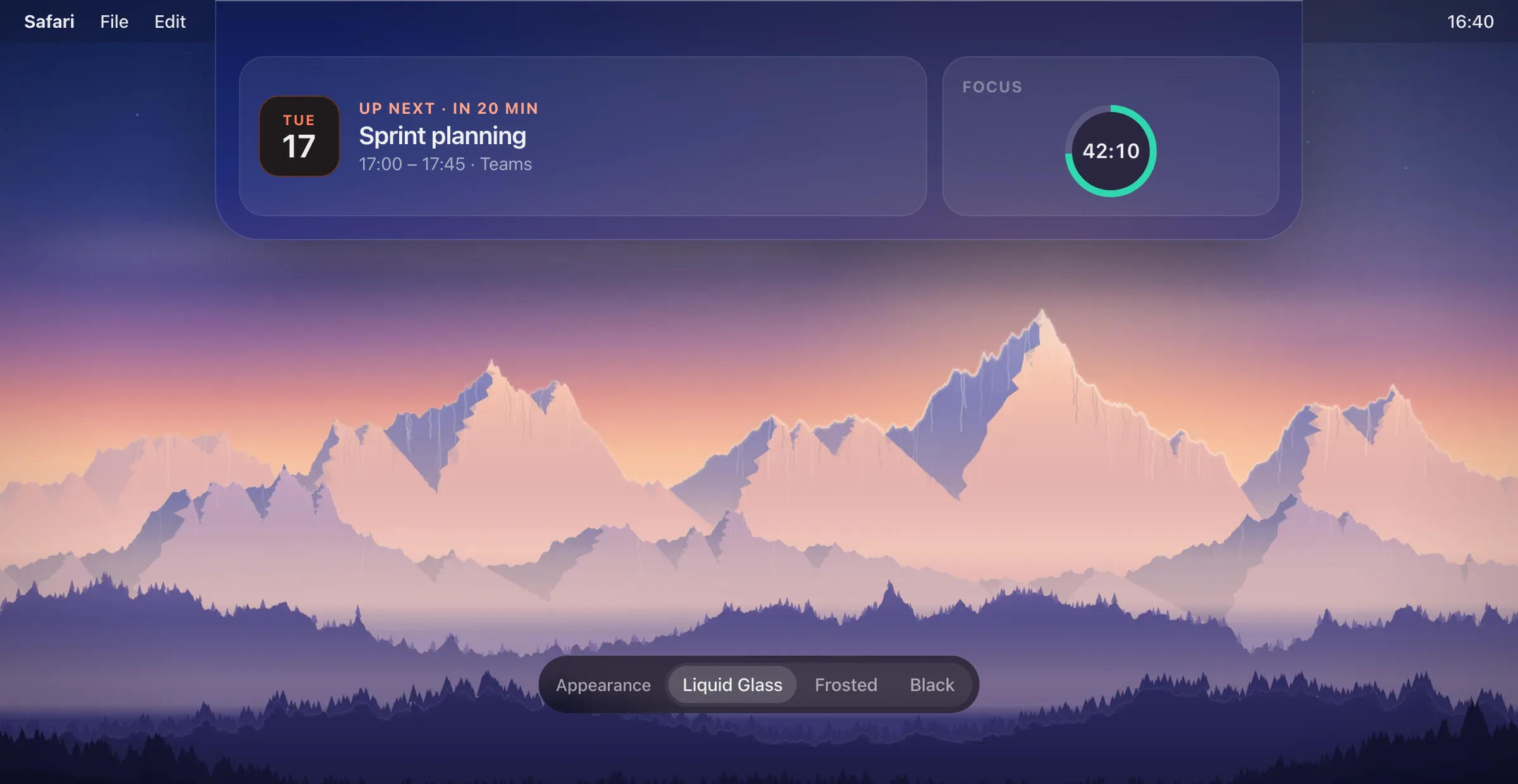
On macOS 26 the open panel uses Liquid Glass, so your desktop shows through it softly, like the rest of the system. On earlier versions it uses frosted glass. You can pick either one, or solid black, in Settings, and adjust how dark the glass is so text stays easy to read over any wallpaper.
One motion system
Every animation in OneNotch goes through a single motion system, so the whole app moves with one personality:
- Opening is a spring with a response of 0.38 seconds and a little give, so the panel grows out of the notch rather than appearing.
- Closing is quicker and almost without bounce. Leaving should never feel slow.
- A new message dropping out of the notch has slightly more bounce, enough to catch your eye once.
- Moving between screens uses a firm spring, and small data changes use a short snap.
Because every animation comes from that one place, changing the feel of the app is a one-line change, and nothing drifts out of step.
Calm by default
Turn on Reduce Motion in macOS and every spring in OneNotch becomes a short, gentle fade. No bounce, no sliding screens. This isn't a separate code path we hope stays in sync; each motion in the system has its reduced version right next to it.
Sized for a glance
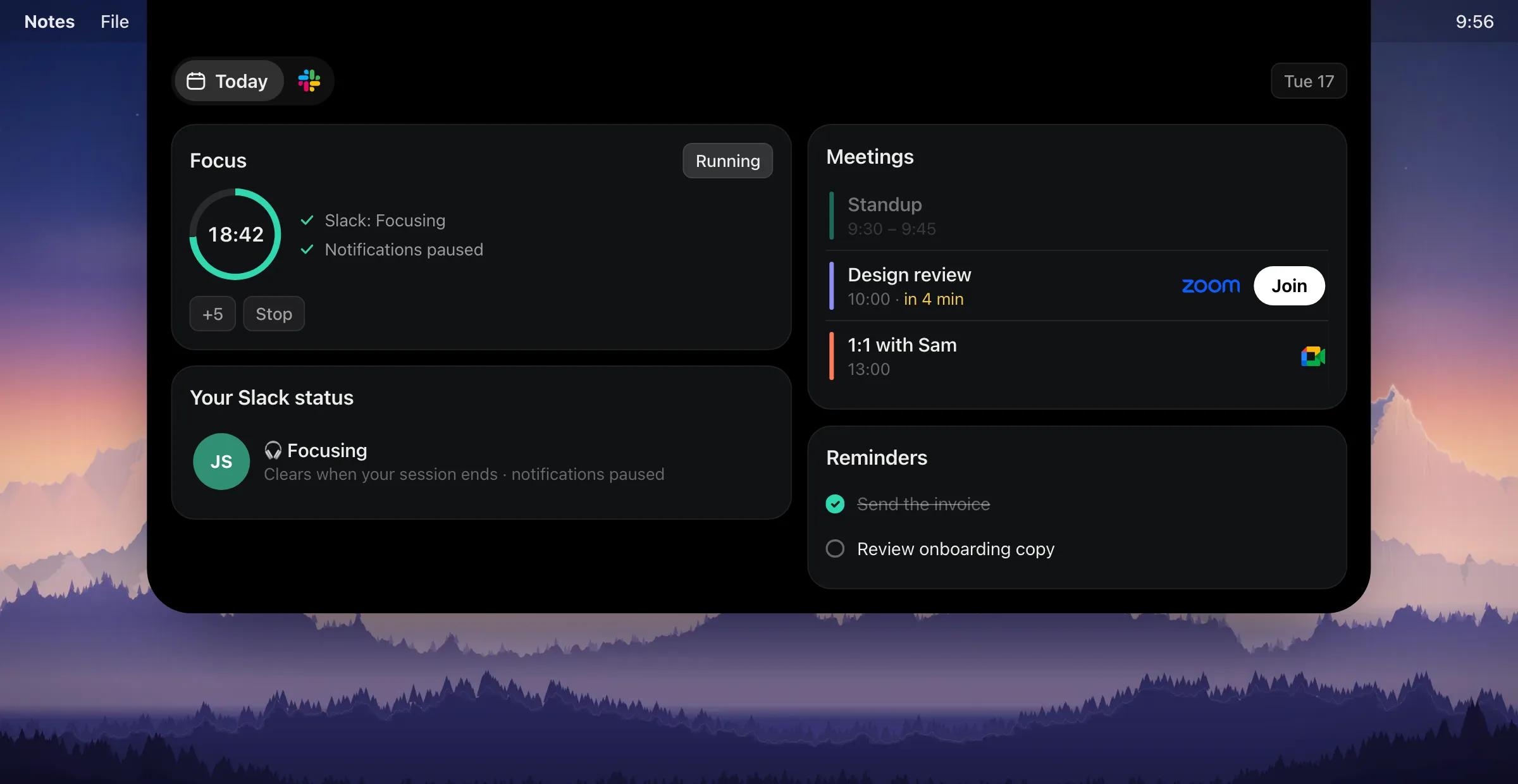
The closed notch shows at most one thing: an unread count, open issues, a meeting countdown or a running timer. The open panel shows what needs you first and keeps everything else one click away. Rows and buttons are big enough to hit with a trackpad without aiming, and the keyboard reaches everything, starting with ⌃⌥N.
We'll keep sharing how OneNotch is made. If there's something you'd like us to write about, tell us.