Why OneNotch never sees your work
Your issues, messages and meetings go straight from your Mac to each service. Here is exactly what we store, where, and the one thing our servers do know.
On this page
An app that reads your Slack messages, your Linear issues and your calendar is an app you have to trust. We think the best way to earn that trust is to make most of it unnecessary: OneNotch is built so that your work never passes through anything we run.
No middleman
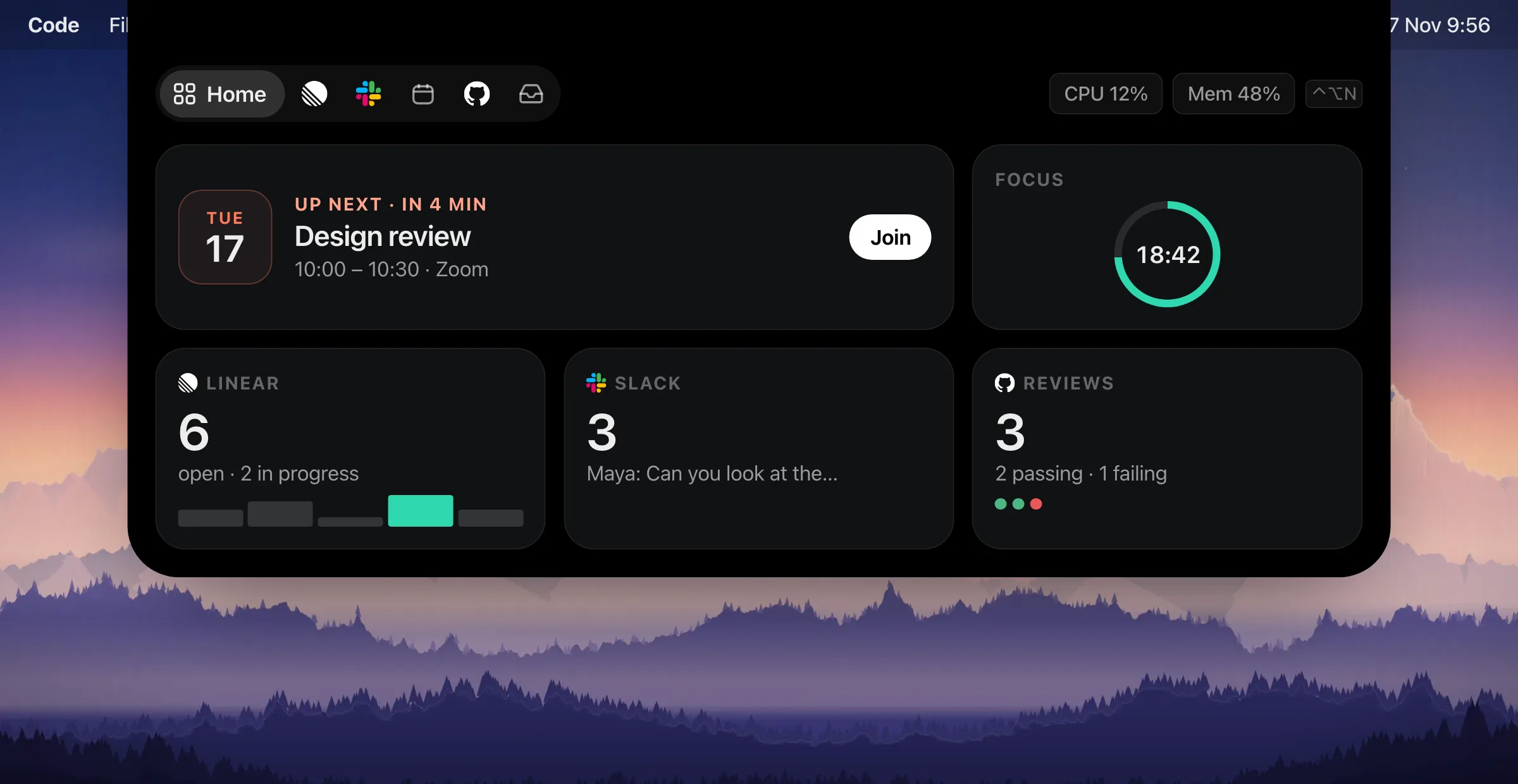
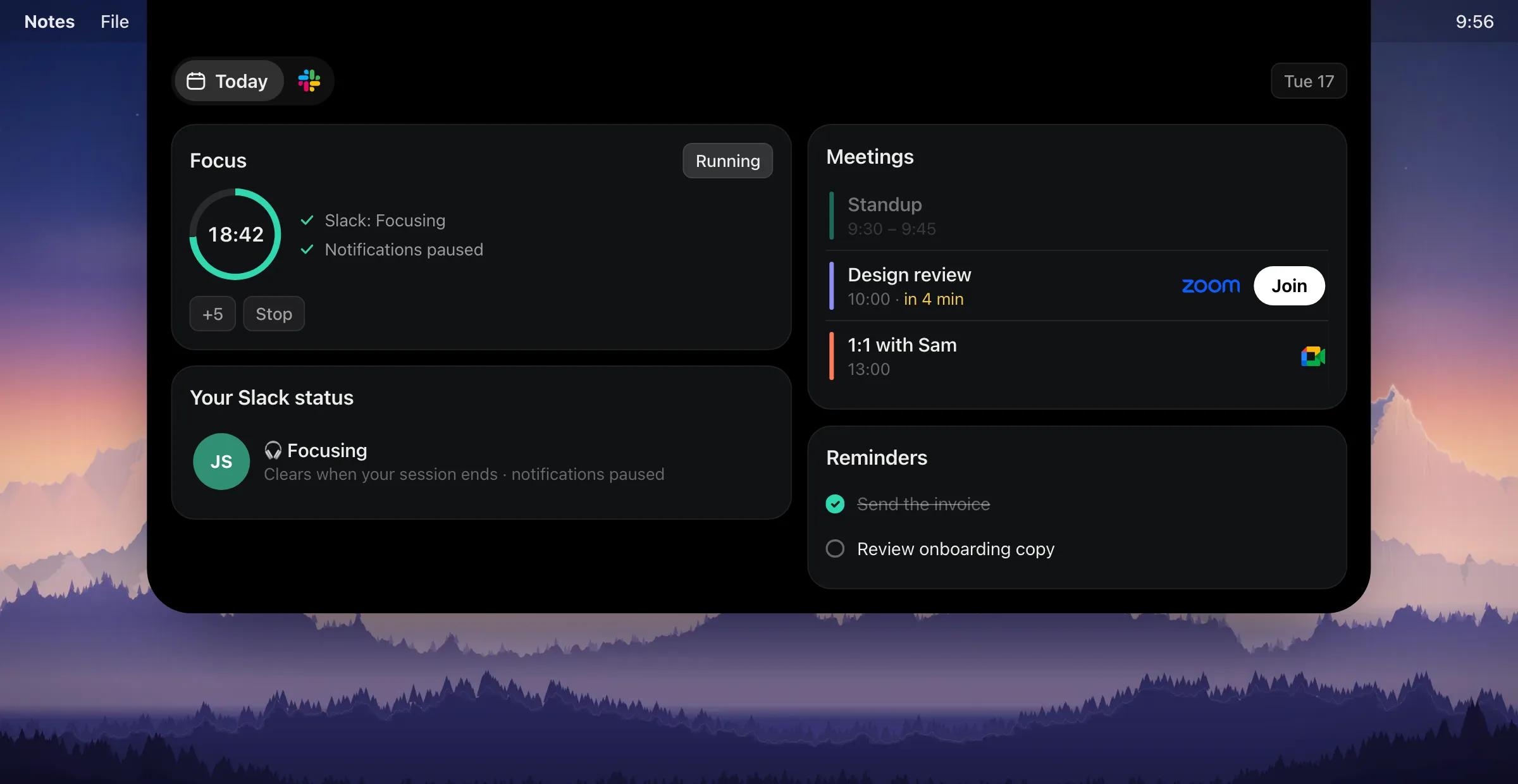
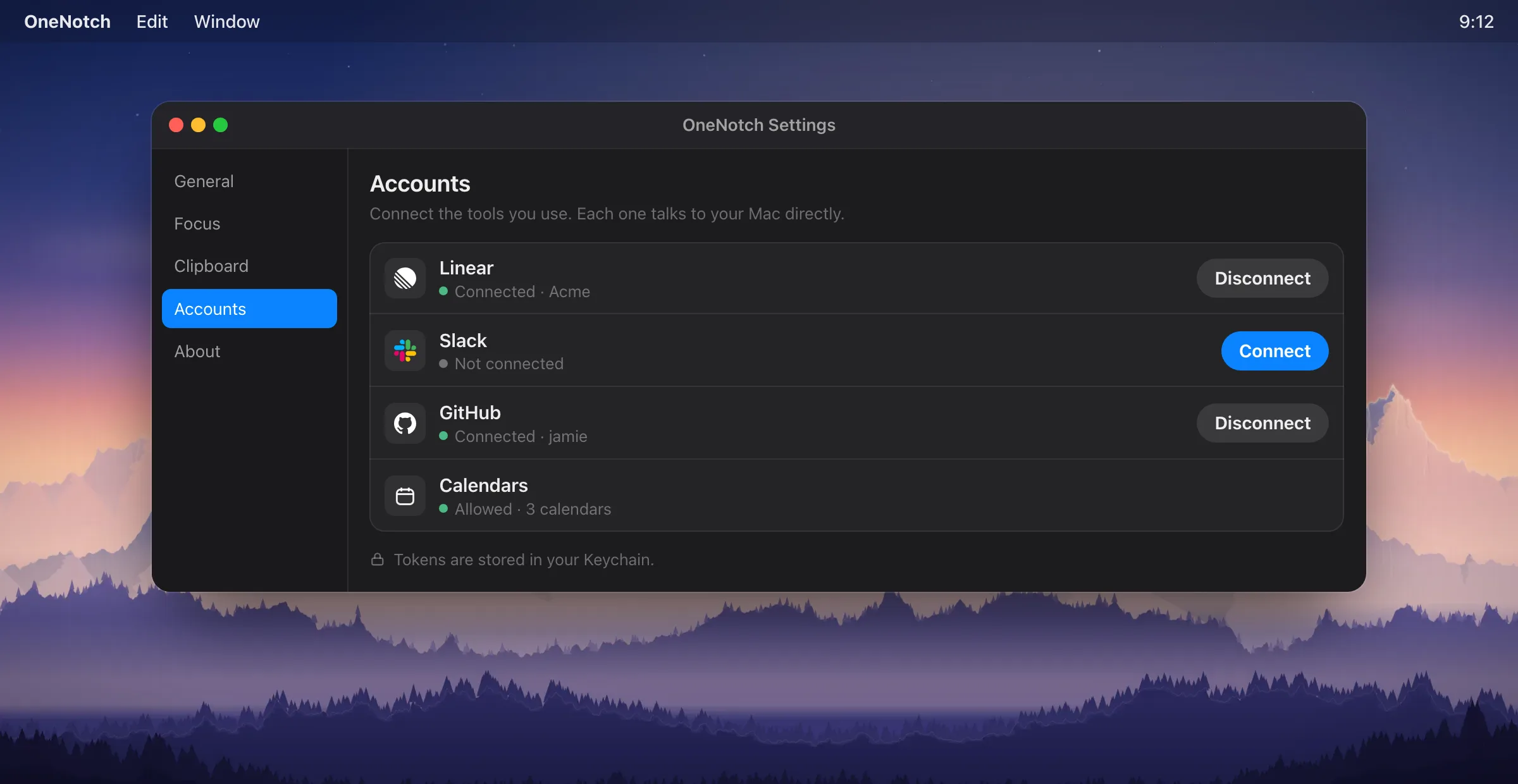
When OneNotch shows your Linear issues, it asks Linear for them, from your Mac. When it shows a Slack thread, it asks Slack. Your calendar comes from the calendars already set up on your Mac, through macOS itself. GitHub goes through the GitHub CLI you already signed in to.
There is no OneNotch server in between that relays, caches or "enhances" any of it. That means there is nothing on our side to leak, subpoena or sell, because we never had it.
What lives where
| What | Where it's kept |
|---|---|
| Linear API key, Slack tokens | Your Mac's Keychain |
| Your account, license pass and a random device ID | Your Mac's Keychain |
| Linear issues and the Slack user list | A local cache in your Library folder, for an instant first paint. Removed when you disconnect |
| Clipboard history | Memory only. Gone when you quit |
| Files in the tray | Memory only, as references. Files are never copied |
| Preferences | macOS defaults, with no secrets |
Every token is read once per launch and kept in memory. None is ever written to a file or a log.
The clipboard skips passwords
A clipboard history is useful right up until it remembers a password. Password managers mark what they copy as private, and OneNotch respects those marks: anything flagged as concealed, transient or auto-generated is skipped, along with the types known password managers use. The history lives in memory and never touches the disk.
Only the permissions it needs
OneNotch doesn't ask for Accessibility, Screen Recording, Full Disk Access or Input Monitoring. The global shortcut uses the system's hotkey API. Calendar and Reminders access is requested the first time you open the Today screen, not before.
What our servers do know
There is one thing OneNotch's servers handle: your license. When you buy, a small licensing API records your plan, its renewal date, and an anonymous identifier for each Mac you use (a one-way scramble of the Mac's hardware ID, so it can't identify you or the Mac), so it can apply the 3-Mac limit. It then gives your Mac a signed pass. The app checks that signature itself, which is why your license keeps working offline: up to 14 days at a time on Lifetime and 7 on Monthly.
Payments happen on Dodo Payments' own checkout page in your browser. We receive whether you paid and your plan; we never see your card.
Careful by default
A few smaller choices follow the same idea:
- Network requests use a session with no cookies and no cache, TLS 1.2 or newer, firm timeouts, and retries only for reads. A Slack reply or a Linear change is sent once, never retried behind your back.
- Approving a pull request takes a confirming click.
- Logs never contain tokens, passwords or message text.
- OneNotch depends on just two small, open-source packages, pinned to exact versions.
If you want the full detail, or have a question we haven't answered, write to us.