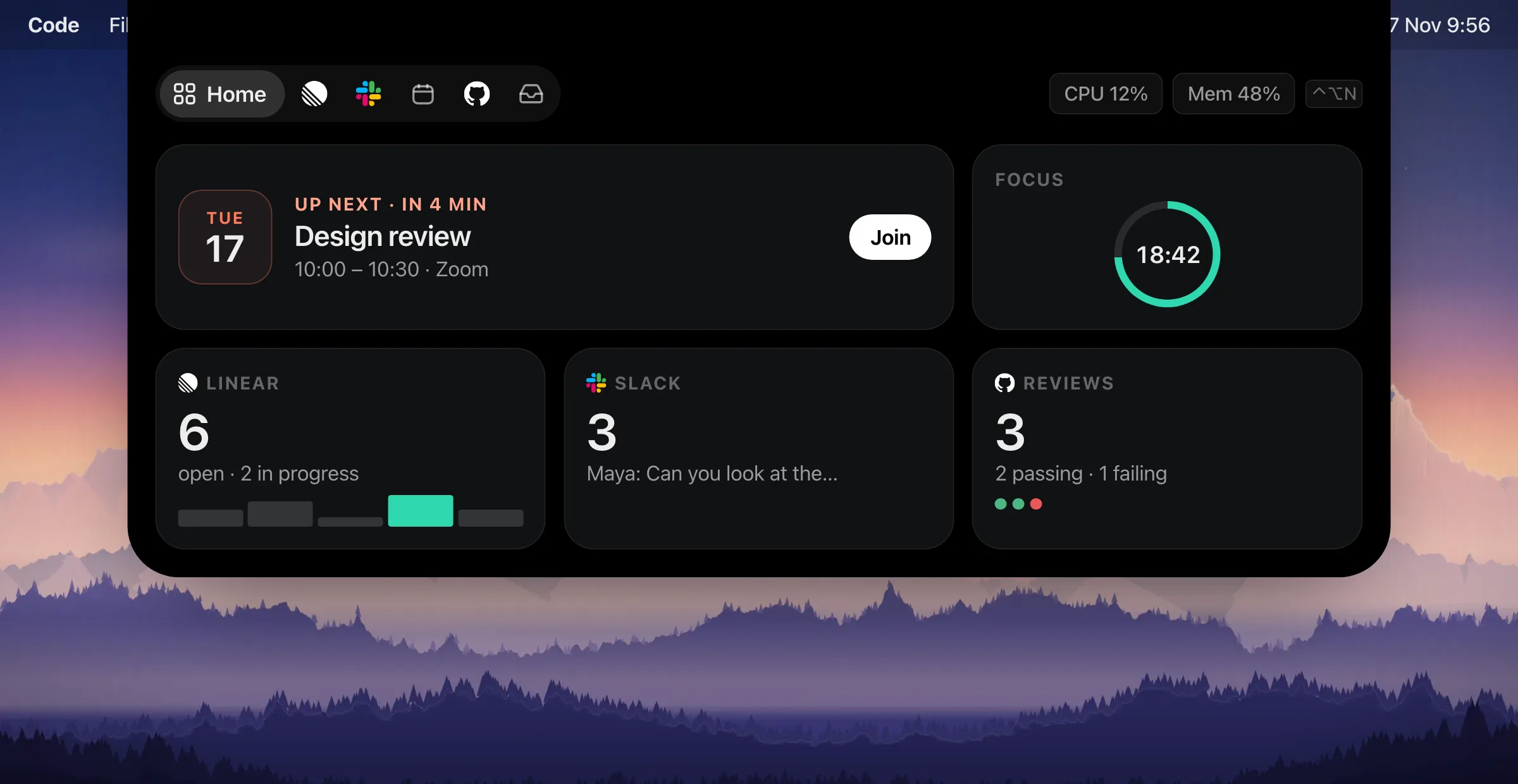
How OneNotch finds the Join link in every meeting
Meeting links hide in locations, notes and URLs, in a dozen formats. How OneNotch finds the right one for about 25 video services, and when the countdown appears.
"Where's the link?" is how a surprising number of meetings start. It might be in the event's location, buried in the notes under a page of dial-in numbers, or in the event's URL field. OneNotch looks in all three, so Join is always one click away.
Your calendars, as they are
OneNotch doesn't ask you to connect Google, Outlook or iCloud separately. It reads the calendars already set up on your Mac, through macOS, the same way the Calendar app does. Whatever accounts you've added there show up in OneNotch, and nothing is copied to us.
macOS asks for permission the first time you open the Today screen. Until you allow it, OneNotch doesn't touch your calendars.
Finding the link
For each meeting, OneNotch checks the event's URL, its location and its notes for links from about 25 video services: Zoom (including Zoom for Government), Google Meet, Microsoft Teams, Webex, and many more. Each service has its own pattern, written to match real invite formats, such as Zoom's /j/ and personal-room links or the long Teams meetup-join addresses.
When a meeting has more than one link, OneNotch prefers a real meeting link over a generic web page, so Join opens the call, not the company intranet.
The countdown
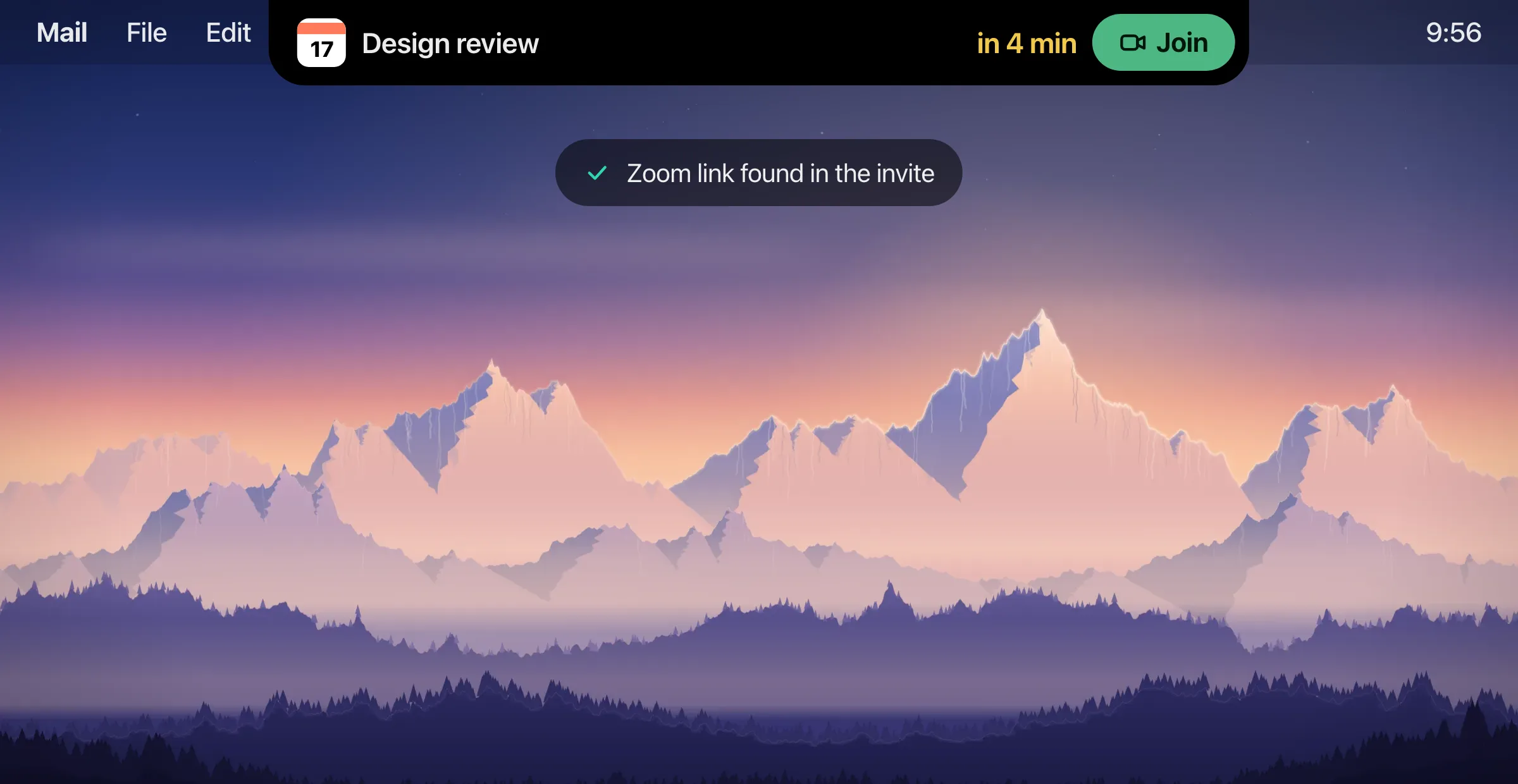
The closed notch shows the meeting worth showing: one that's in progress, or one that starts within the next 15 minutes. As it gets close, the notch widens into a small countdown with the meeting's name, the time left and a Join button. In-progress meetings show how much time is left instead.
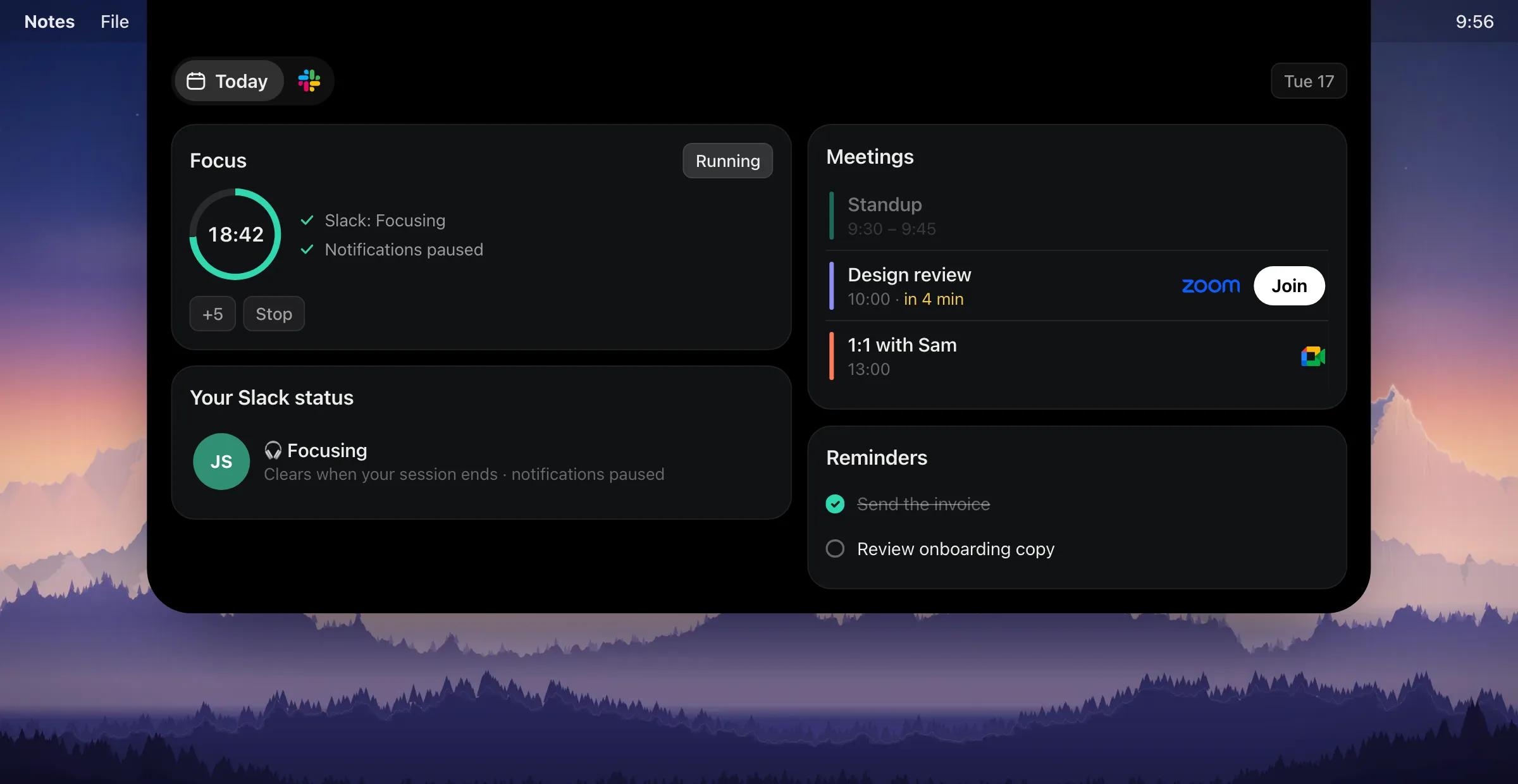
Open the Today screen to see the whole day: earlier meetings faded, the current one marked, and every upcoming one with its time, service and Join.
Why it matters
None of this is complicated on its own. What makes it useful is that it's always there, in the one spot your eyes pass a hundred times a day. You stop opening the calendar to check, and you stop being the person who joins two minutes late looking for the link.