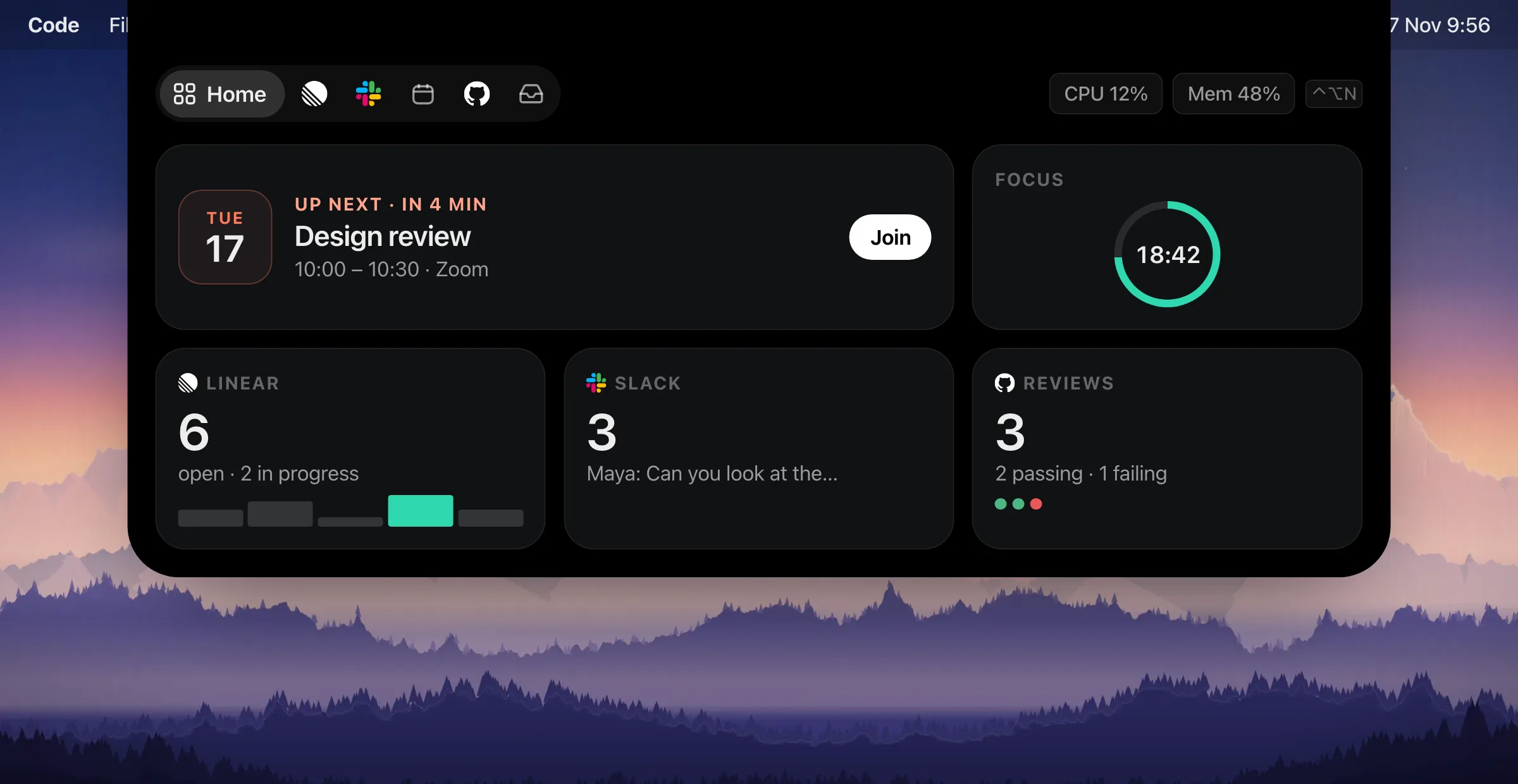
Focus sessions that actually protect your focus
A timer alone doesn't stop the pings. Here's how a OneNotch focus session sets your Slack status, quiets notifications and puts everything back when you're done.
On this page
Most focus timers count down while the world keeps knocking. Slack still pings, teammates still assume you're free, and the timer becomes one more thing on the screen. We wanted a session that changes what other people see and what reaches you, and then cleans up after itself.
One click, three things
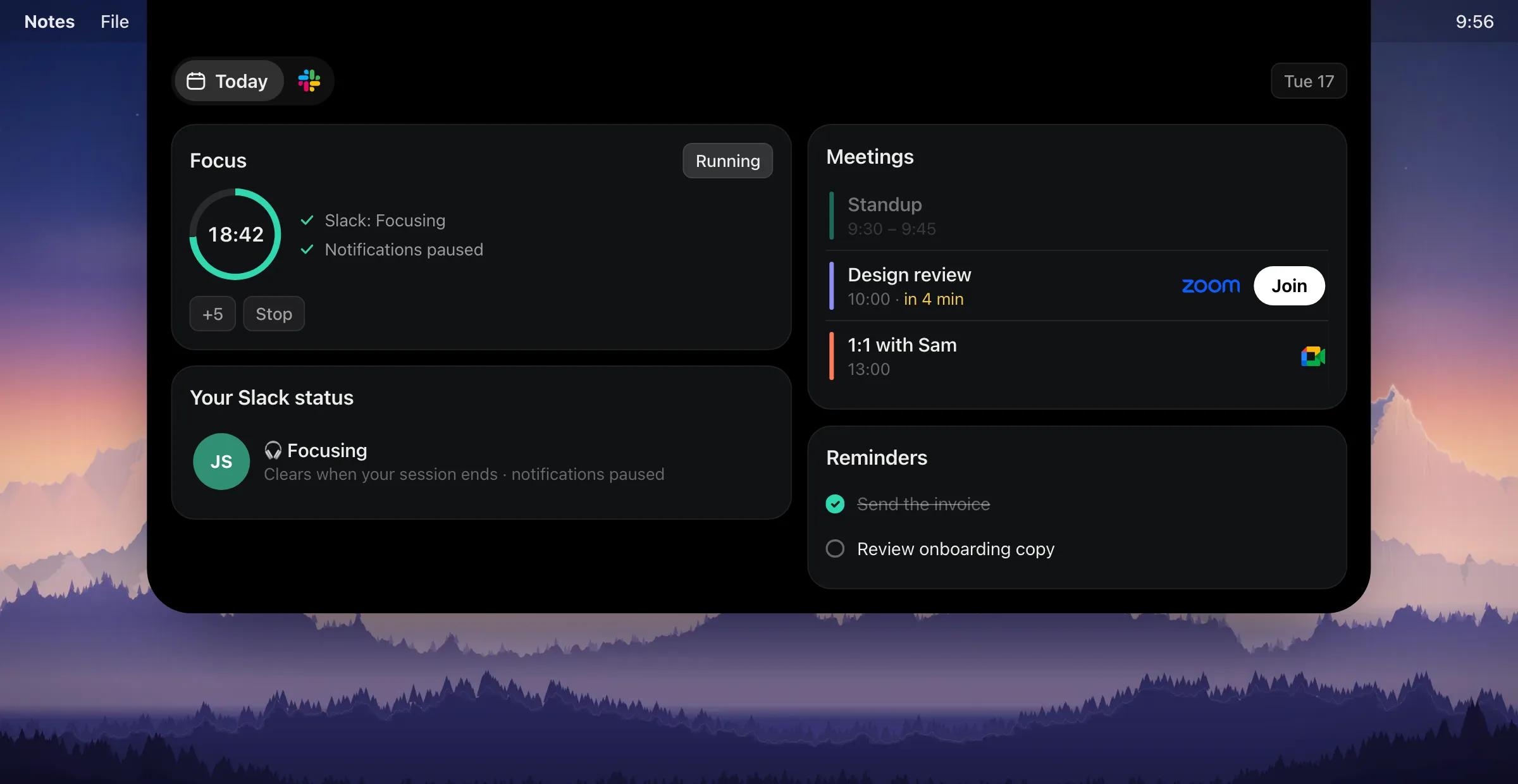
Start a focus session from the Today screen and OneNotch does three things at once:
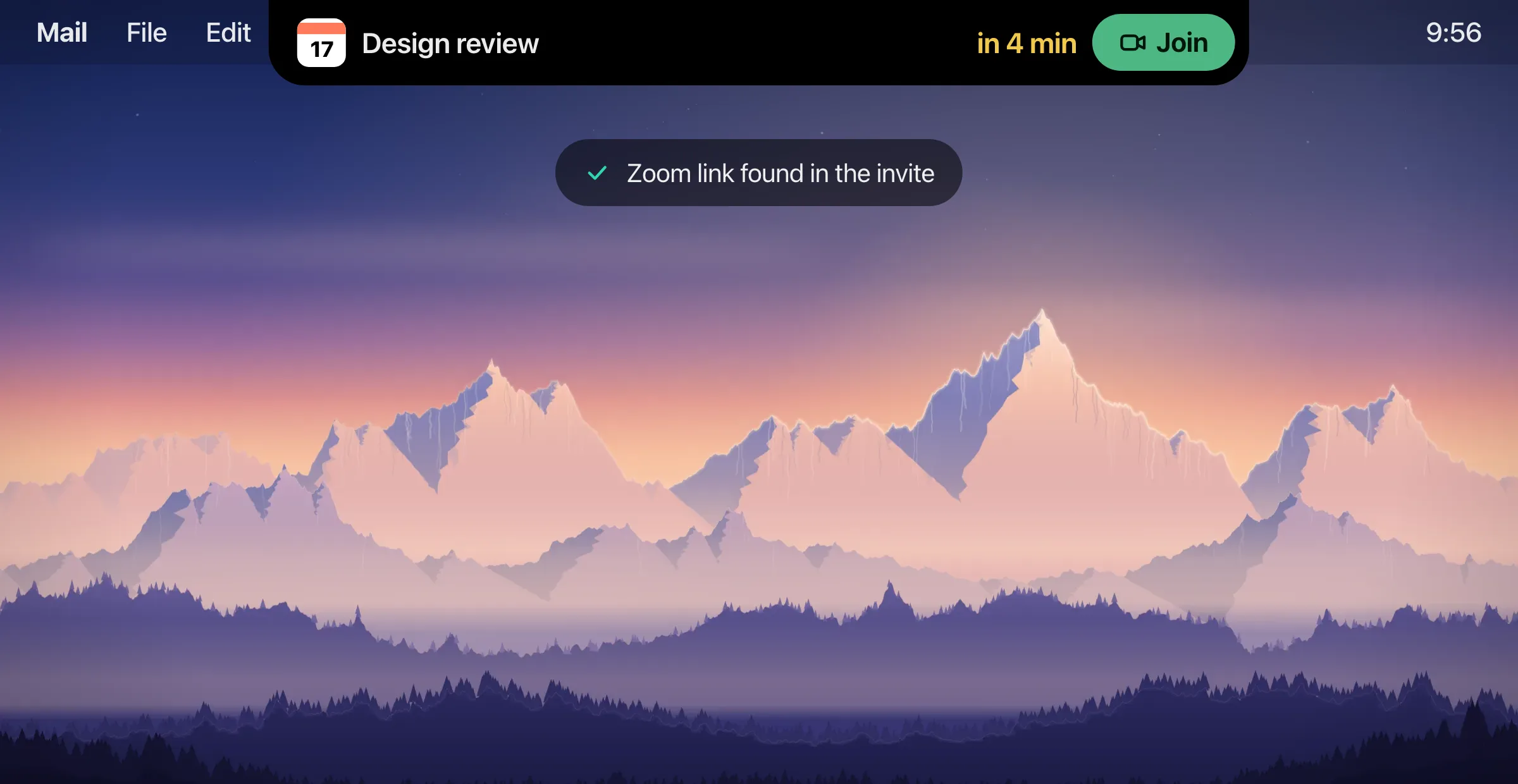
- Starts the timer. Pick 25, 50 or 90 minutes, or the length you set as your default. The ring fills as you go, and the closed notch shows the time left, so you never need to open anything to check.
- Sets your Slack status. Teammates see "Focusing" with a headphones emoji, set to clear when your session ends.
- Pauses Slack notifications for the same length of time.
The last two are optional: turn them off in Settings if you'd rather keep Slack as it is.
It always puts things back
The part that matters most is the ending. When the timer runs out, or you press Stop, OneNotch clears the status it set and resumes notifications. If you changed your Slack status yourself in the meantime, OneNotch leaves yours alone; it only removes the one it put there.
Need a little longer? +5 adds five minutes without breaking the session.
Breaks count too
When a session ends you can start a break. A break restores Slack straight away, so messages come through while you stretch, and the timer tells you when it's time to go back.
Next to your day
Focus lives on the Today screen for a reason. Beside the timer you see your meetings, with a countdown to the next one and its Join button, and the reminders due today. It's easy to pick a 50-minute session when you can see the next meeting is in 55.
Try it
Focus is part of every OneNotch plan. Connect Slack once, then start a session with a click, or open the notch with ⌃⌥N and go straight to Today.